How-to: Post photos

-

In case any one needs some tips about this, I did a How To article a while back that is stickied in the General Discussion forum.
How to Post Pictures on the BMK Forum
This was in the hopes of helping those that needed some assistance in that regard.
I invite anyone to read the article, and if they need further assistance, feel free to PM me and I'll try to help.0 -
 quote:Originally posted by Lightning:
In case any one needs some tips about this, I did a How To article a while back that is stickied in the General Discussion forum.
How to Post Pictures on the BMK Forum
This was in the hopes of helping those that needed some assistance in that regard. I invite anyone to read the article, and if they need further assistance, feel free to PM me and I'll try to help.
Thanks Lightning for easy to follow visual instructions. This will help anyone who has access to digital camera (or smartphone) to share our BKC knife collections! 0
0 -

Photobucket works the best IMO.. Very easy and accessible from any device.. 0 -
quote:Originally posted by Painstakingly Meticulous:
Photobucket works the best IMO.. Very easy and accessible from any device..
I think so as well. Just that it seems to be popping ad windows left and right 0
0 -

Is anyone successfully posting pics from their Dropbox account to here? 0 -
Imgur.com seems to work. 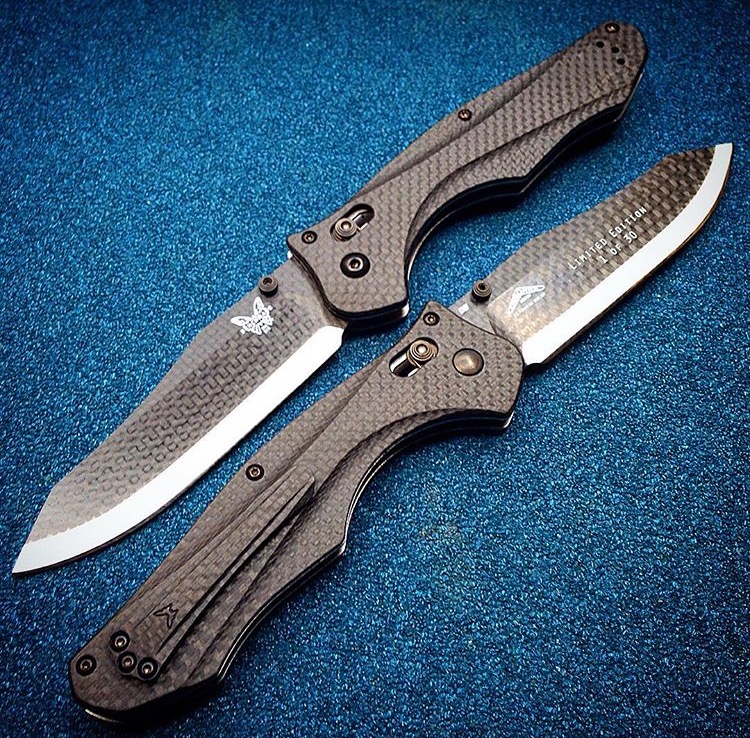 0
0 -
In our new Forum, we can not attach pictures up to 100Mb.
0 -
 mobilefirelord posted:
In our new Forum, we can not attach pictures up to 100Mb.
Did you mean "more" than 100mb?
0 -
mrwinks posted:mobilefirelord posted:
In our new Forum, we can not attach pictures up to 100Mb.
Did you mean "more" than 100mb?
Oh yeah. Thanks for catching.
0 -

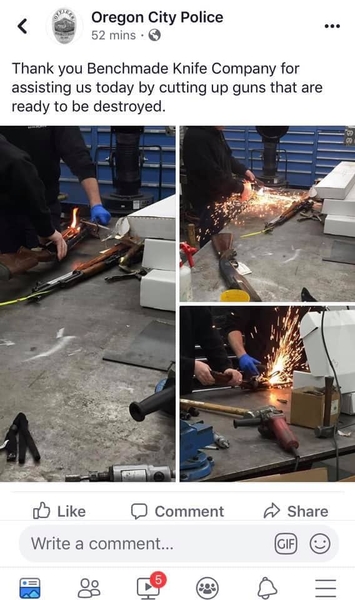
You post like this:
 0
0 -

Not having any luck with pics here.
Test:
crap
Attachments
 0
0 -

Kingfisher if you have the photos on a PC you can copy them to the clipboard [CTRL+ C] and paste them directly into the body of your post [CTRL + V].
or...
You can click the "Paperclip Add Attachments" below the Add Reply dialog, select the photo you want to post in the dialog that pops up, check the box "Insert all photos and videos into post body (large size)" and click finish. Your photo should then upload to the forum and you should be able to see it once it does.
Photobucket and Imgur are a pain IMHO as readers of your post have will move off the forum page to the site hosting your photo. This was the photo appears directly in your post.
Hope this helps!
2 -
Thanks for the help Tim,
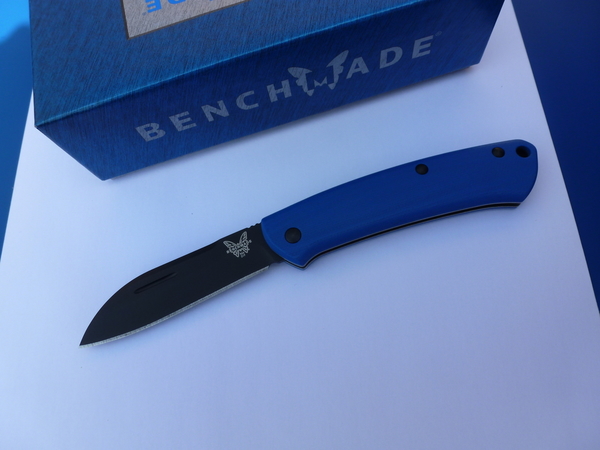
trying this.
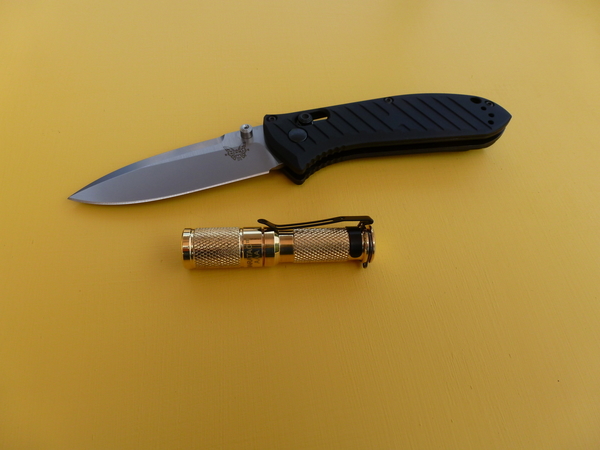
A little better, not straight forward. Don't care for this new layout on our forum.
Attachments
 0
0 -
Anytime Kingfisher! Looks good!
Most here don't care for the new forum's layout or the way things have to be done differently. It does take a while to get used to!
1
Please sign in to leave a comment.
Comments
14 comments